
Data Reconciliation
Identify exceptions in docs, while you sleep.
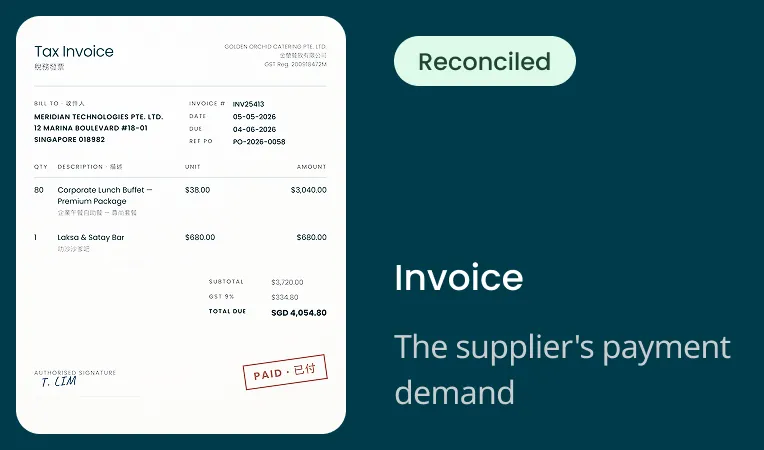
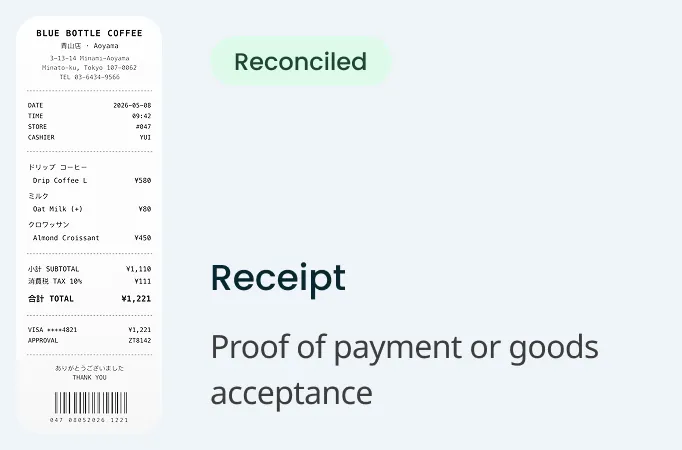
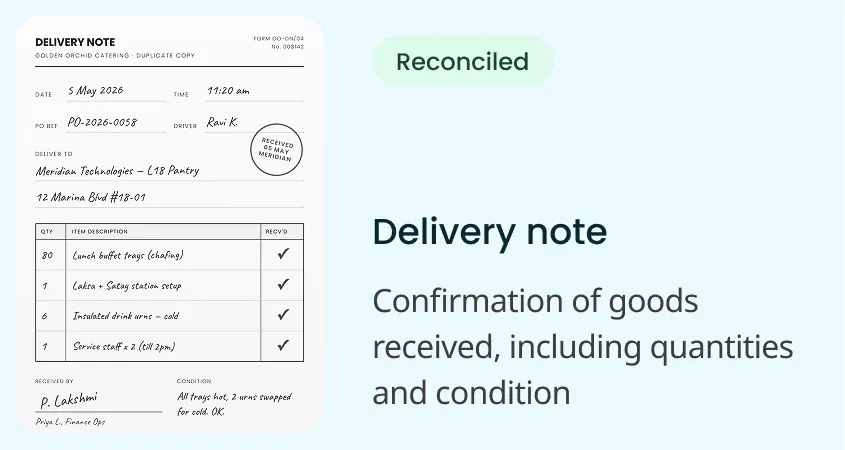
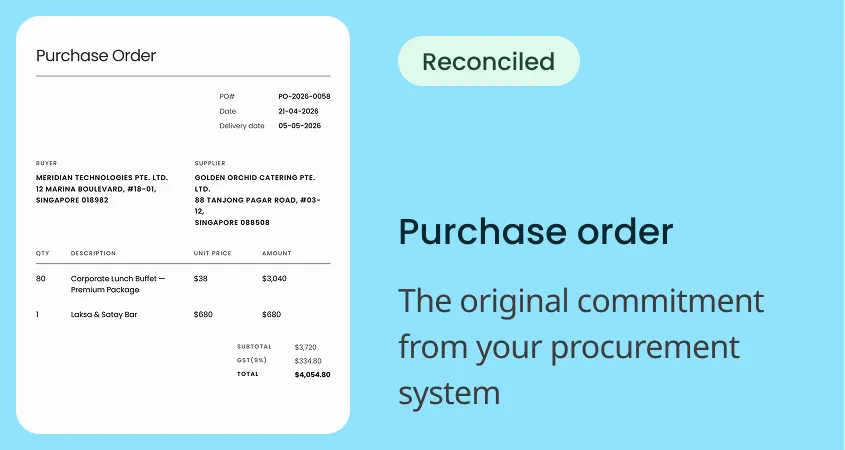
Purchase orders, invoices, delivery notes, receipts, contracts, any document, Staple matches them line by line, in any language combination and automatically flags every discrepancy. Instead of chasing the reconciliation, your AP team closes it.
The problem: Your team is still reconciling by hand
Auto-reconciliation usually means your document processing tool extracted the data and your team checks it in a spreadsheet.
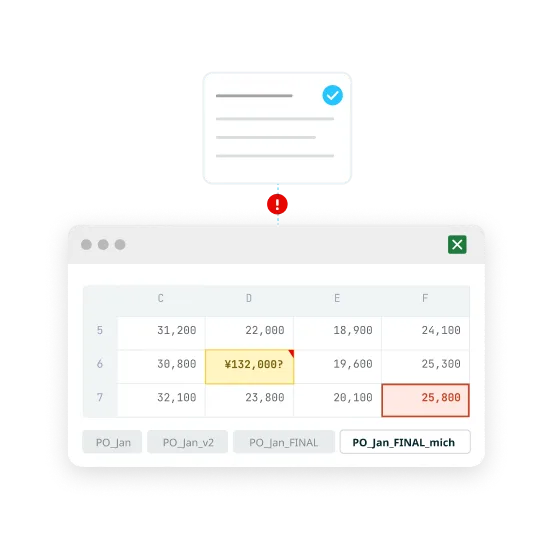
Most tools stop at extraction
They pull data from invoices, POs, and delivery notes but don’t compare them. Your AP team exports to spreadsheets and checks row by row. Each error costs $50+ to correct.
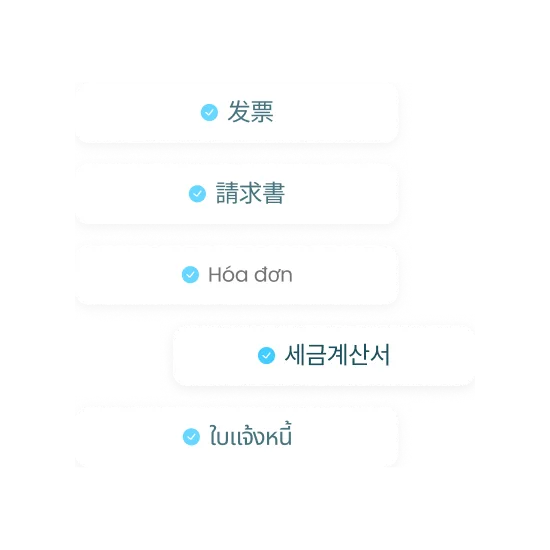
Documents come in different types, languages and formats
Invoices in three languages, one PO split across multiple delivery notes, "ABC Corp Ltd" on one and "ABC Corporation Limited" on another. Typical auto-reconciliation breaks when the documents are complex.
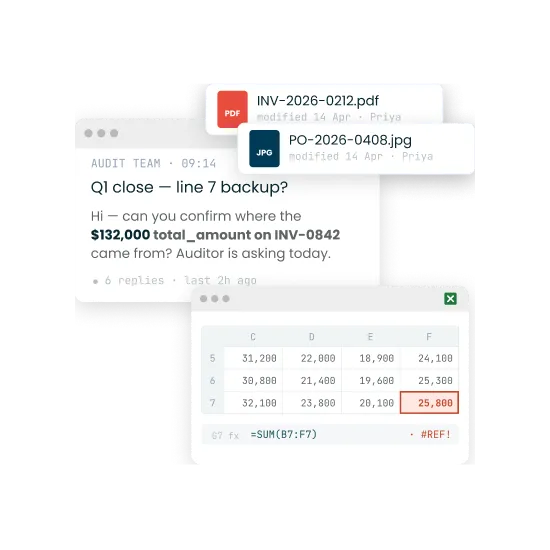
Auditors need a trail
When a discrepancy surfaces, someone has to reconstruct which invoice line matched which PO line, in which currency, from which supplier entity. If the reconciliation happened in spreadsheets, the evidence is whatever your team remembered to save.
How Staple reconciles
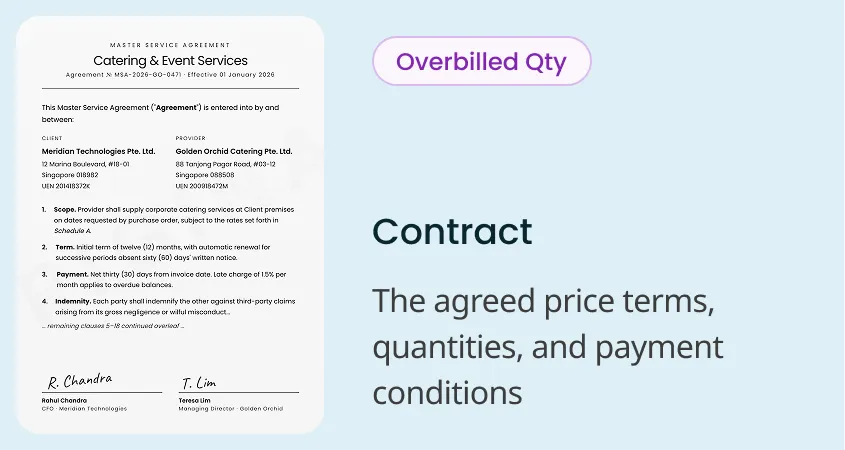
Staple extracts, matches, and reconciles in one go: contracts, purchase orders, invoices, delivery notes and receipts in any language combination. 98% of line items reconcile automatically so your team only reviews the exceptions.
Why it works
Unlimited documents matched simultaneously
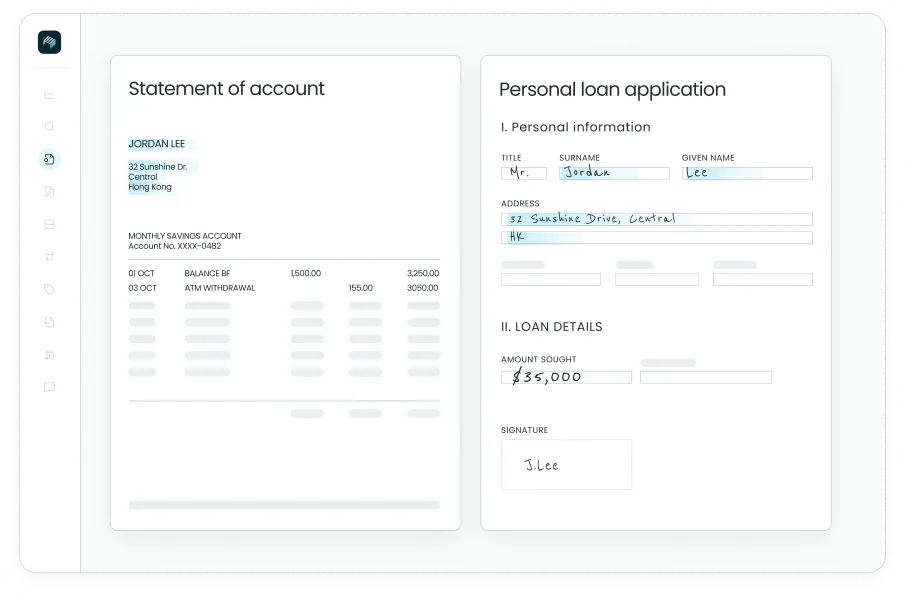
Staple matches any combination in your process: one invoice against multiple POs, a delivery note across multiple contracts, or extracted data against your ERP records. Two-way, three-way, and N-way matching across up to ten related sources, reconciled at once, with only the discrepancies flagged.

Multilingual matching
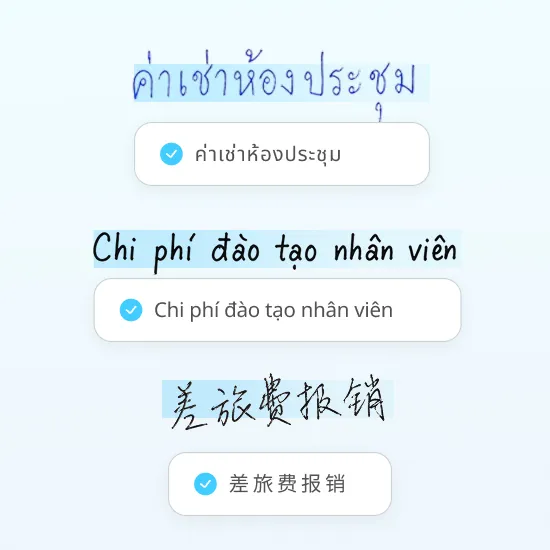
A Thai PO, a Chinese invoice, a Vietnamese delivery note: all processed together in one pass. No pre-sorting by language. No bilingual exception queue.

Fuzzy matching
"ABC Corp Ltd" on the PO, "ABC Corporation Limited" on the invoice. Staple recognises these as the same entity and distinguishes genuine discrepancies from noise. Set tolerance ranges and variance rules too, so a rounding difference or an agreed price range doesn't trigger a false mismatch. You decide what counts as a real discrepancy and what is within tolerance.

Line-item matching
An invoice can match at the header level while hiding line-item discrepancies: wrong quantities, substituted items, partial shipments. Staple compares every line (price per unit, quantity, item code) against source documents. If the maths doesn't add up, it’s flagged before it reaches your ERP.
Audit trail
Each match, flagged discrepancy, and exception resolution is recorded. When auditors ask which invoice corresponds to which PO, the answer is in the system.

Auto-classification
Drop in a mixed batch. POs, invoices, delivery notes, and receipts sorted without manual pre-labelling.

Real-time matching
Delivery note arrives at 2 p.m. and by 2:01 p.m. it’s matched against the open PO with a quantity variance flagged.




Intelligent Tables
Read messy, multi-page tables and capture line items even when layouts aren't clean

External Validation & E-Invoicing
Validate data against tax authorities, registries, and e-invoicing networks
See cross-source reconciliation on your own documents
Book a 30-minute demo. Bring your purchase orders, invoices, delivery notes, receipts, or contracts.
FAQ
What is cross-source reconciliation?
Cross-source reconciliation is the process of confirming that related documents and records agree with each other. Staple matches data across up to ten sources, such as an invoice, a purchase order, and a goods-received note, and checks that values, quantities, and line items are consistent, so discrepancies surface before the data is acted on.
How many documents can Staple reconcile at once?
Staple reconciles across up to ten related sources simultaneously, at the line-item level. This covers two-way, three-way, and N-way matching, including complex associations where one document relates to several others.
Does reconciliation require an exact match?
No. Staple supports fuzzy matching, variance controls, and tolerance ranges, so minor differences in wording, formatting, or acceptable value ranges do not create false mismatches. You define what counts as a real discrepancy versus an acceptable variance.
How does a reviewer see what didn't match?
Staple presents line-item evidence and a discrepancy explanation in a single reviewer view. Instead of comparing documents side by side manually, the reviewer sees exactly which line did not reconcile and why, with the supporting evidence in one place.
What happens after reconciliation?
Each result is routed automatically: a verified match proceeds, and a discrepancy is sent to an exception queue or triggers the next action you have configured. People are directed straight to the exceptions that need judgment, rather than reviewing everything.